
Walkthrough Learning Task
Customer education teams need external users to understand one feature or workflow clearly, not achieve full product mastery from a single video.
Product Training Video · Customer Education
Customer education and product teams turn live product screens into walkthrough videos that explain features without claiming instant mastery.
What it looks like
Production sample. Company references in a sample do not identify a Probbit client project.
English · Speech from this sample clip
At a glance
Probbit produces product walkthrough videos for customer education teams who need to explain software features and workflows to external users. Built from actual product screens and reviewed by the product team, these walkthroughs use the walkthrough format: screens recorded and rebuilt rather than screen-captured, scripted for clarity before filming.
Your training brief
Customer education teams need external users to understand one feature or workflow clearly, not achieve full product mastery from a single video.
Source material is your live product screens, current UI states and release notes, reviewed by your product owner before scripting begins.
Your product team signs off on accuracy before release; interface changes after launch require new footage or a scheduled rebuild.
Trusted By


Plan the scope
Screen-based training rebuilt for legibility rather than a raw capture: the cursor findable, the relevant field emphasised, and the pace set for someone learning rather than someone demonstrating.
Short modules tied to a release, so a change ships with the training that explains it rather than six months after it.
ERP, CRM, ticketing and internal tooling: the systems where a wrong entry costs somebody downstream a day of reconciliation.
Product education for dealers, distributors and partners who need to explain the product without having been in the room when it was built.
Video formats and samples
 Onboarding02:14
 POSH11:38
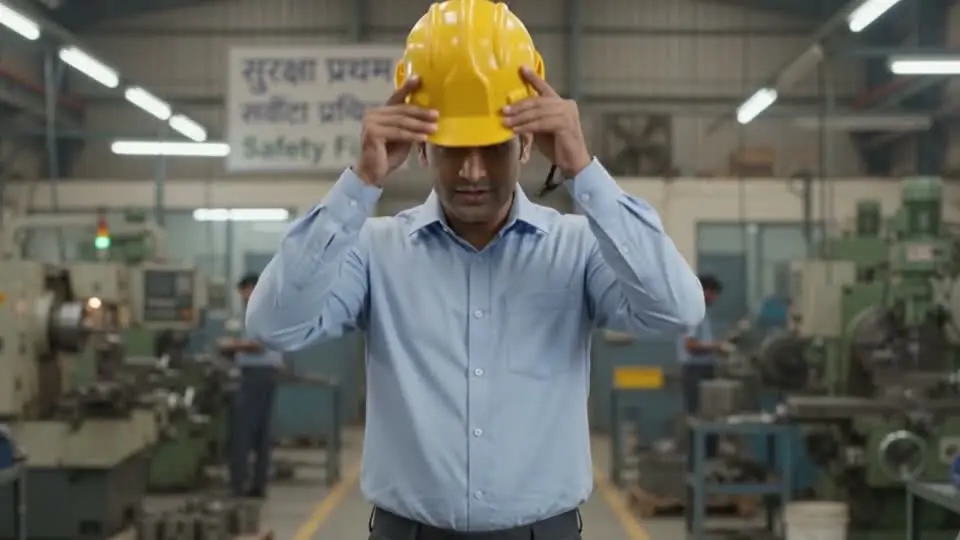 Plant safety04:52
 Product06:07
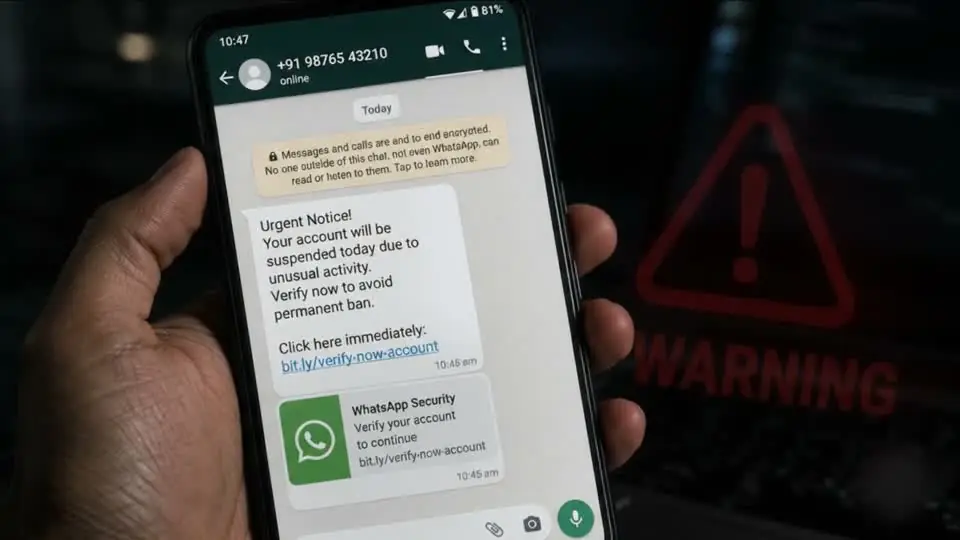 Cyber08:41
 Enablement05:19
 Cinematic00:41
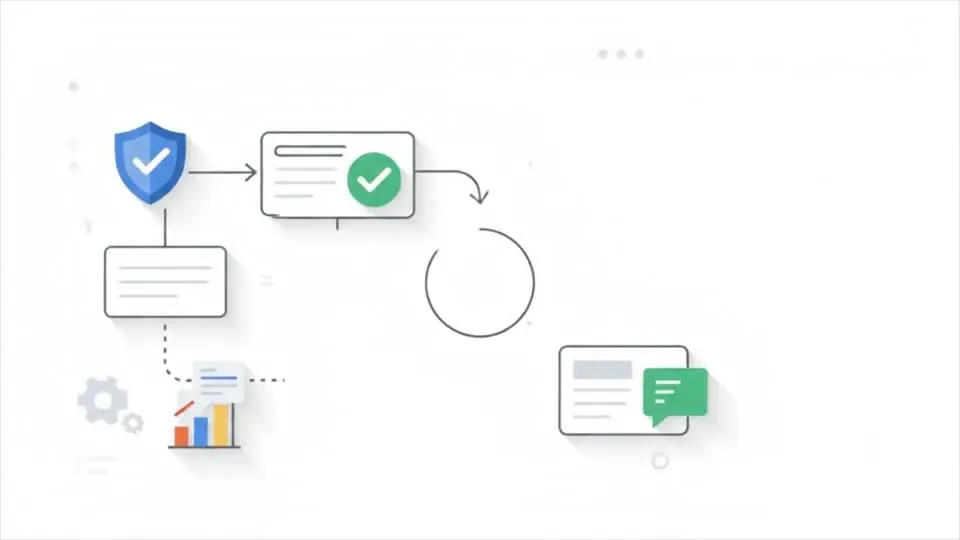 Animated00:38
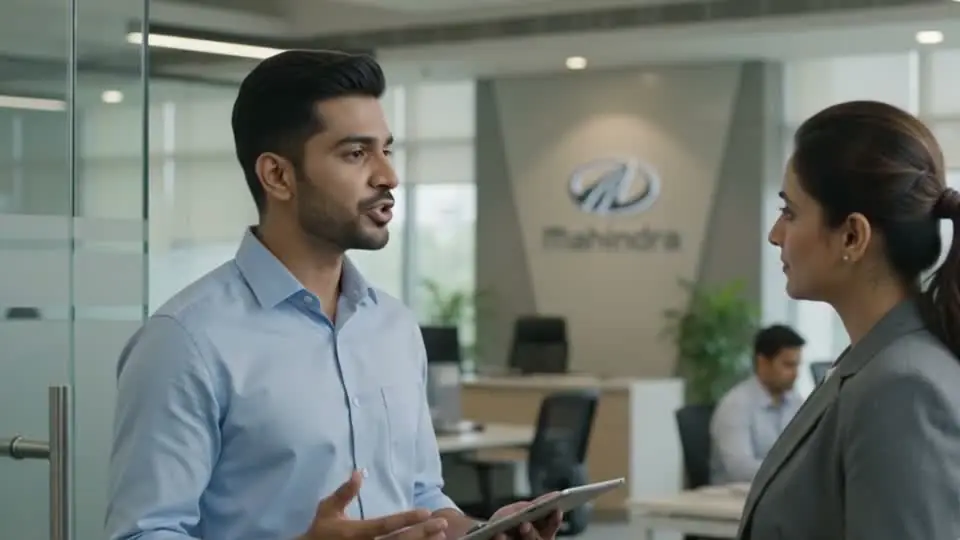 Leadership03:26
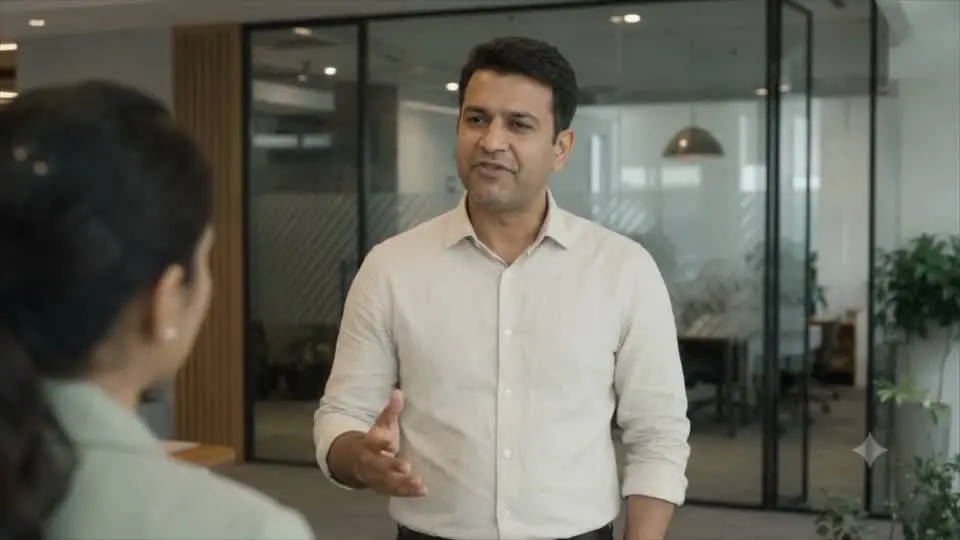 Micro-drama09:02
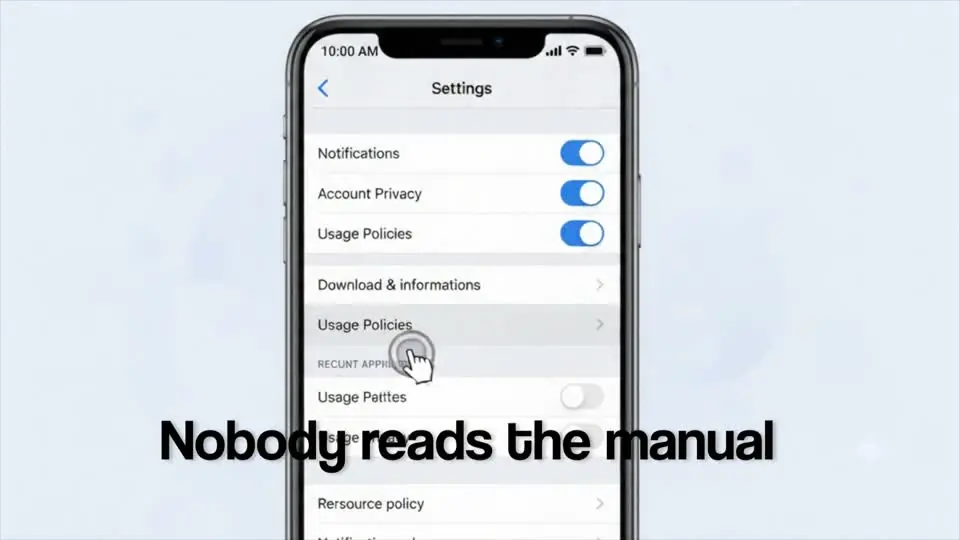 Walkthrough00:44
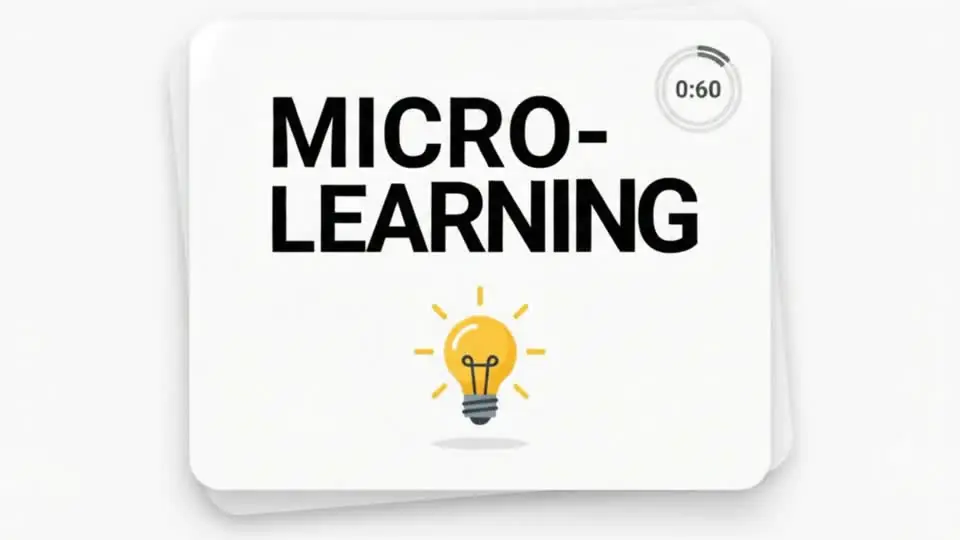 Microlearning00:36Plant safety04:52Product06:07Cyber08:41
Production sample. Company references in a sample do not identify a Probbit client project.
English · Speech from this sample clip
English · Speech from this sample clip
English · Speech from this sample clip
English · Speech from this sample clip
English · Speech from this sample clip
English · Speech from this sample clip
English · Speech from this sample clip
English · Speech from this sample clip
English · Speech from this sample clip
English · Speech from this sample clip
English · Speech from this sample clip
English · Speech from this sample clip
Production samples. Company references in a sample do not identify a Probbit client project.
How it works
We audit the curriculum you have - what's stale, what's missing, what can be re-versioned instead of rebuilt.
Share approved source material and nominate a subject reviewer. Agree script reviews and approvals before production.
Storyboard, generation, grade, voice, sound. Every frame reviewed by a director before it reaches you.
Agree review rounds and approval milestones in the project scope. Consolidate subject-expert, brand and policy feedback.
Deliver agreed videos, captions and package files after scoped checks. Confirm LMS testing and any ongoing updates separately.
A screen recording captures the interface as-is. A product walkthrough is scripted, shot and rebuilt for pacing and clarity, following the walkthrough format rather than a raw screen capture.
Your product owner or subject matter expert reviews the script and the final cut against the current UI. Probbit does not sign off on product accuracy independently.
Interface changes after launch are not updated automatically. New footage or a rebuild is scoped as a separate project once changes are confirmed.
Internal systems training and customer-facing product education are treated as distinct deliverables with different scripting needs, scoped separately even when the underlying feature is the same.
No. The video explains a feature or workflow. It does not establish user competence, certify completion, or confirm compliance with any internal or regulatory requirement.
Discuss your training brief
Bring your source material, audience and learning objective. We can discuss the format, review process and scope for your project.
Production sample. Company references in a sample do not identify a Probbit client project.
English · Speech from this sample clip